
AI Thumbnail Design: How Creators Are Automating YouTube Click-Through Rate
A practical look at using AI image tools to design, test, and iterate on YouTube thumbnails faster than manual editing allows.
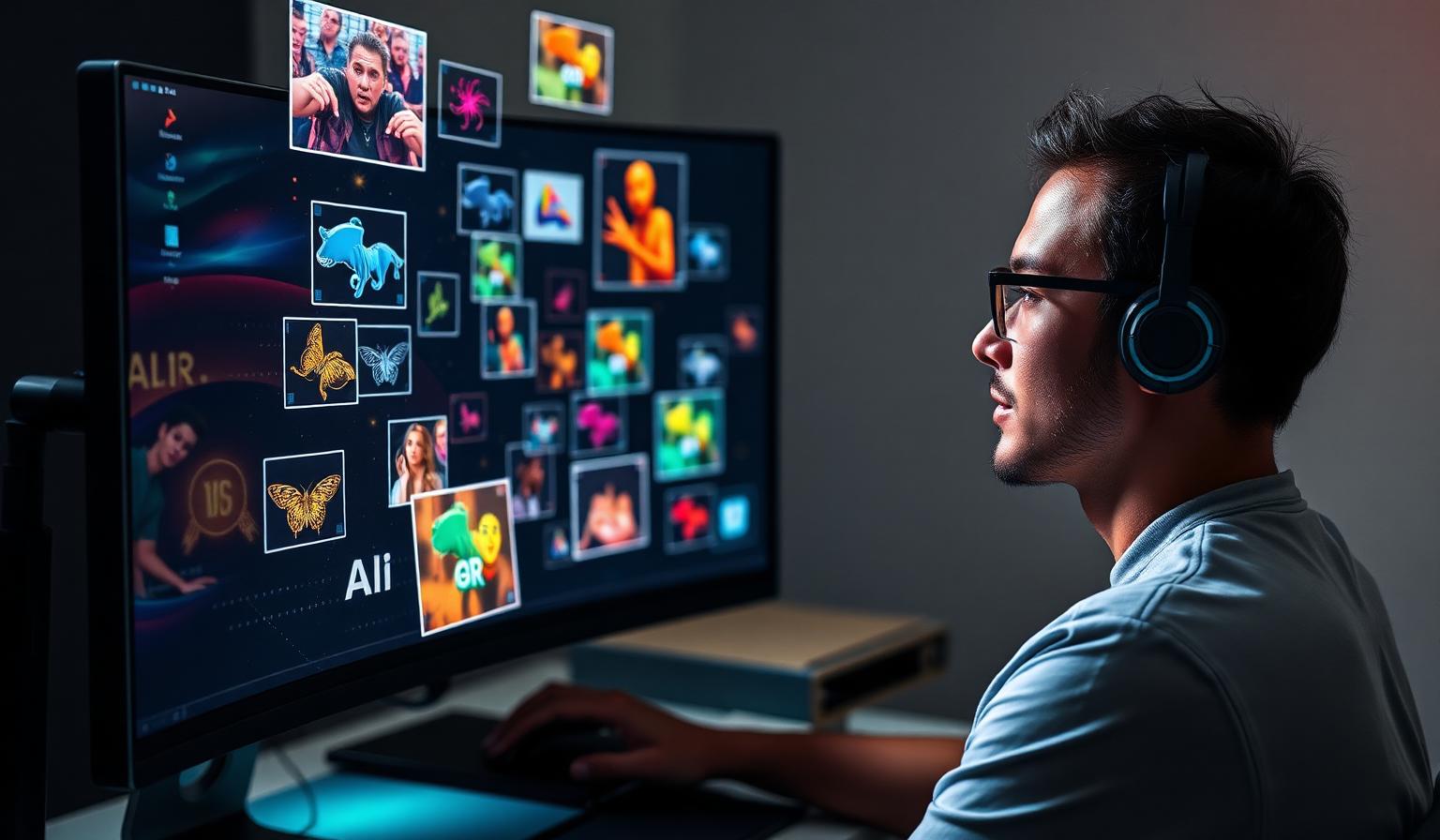
Thumbnails remain the single biggest lever for YouTube click-through rate, and the design workflow around them has quietly become one of the most concrete use cases for AI image tools. Rather than replacing designers, AI generators are compressing the iteration loop from hours to minutes.
Why Thumbnails Are a Good Fit for AI Generation
A thumbnail is a small, high-contrast composition with a narrow set of goals: a clear focal point, readable expression or object, and enough visual tension to earn a click. That narrowness is exactly what current diffusion models handle well. Creators feed a generator a description of the scene, a reference face or product shot, and a mood, and get a dozen composition options back before they would have finished one manual draft.

A Practical Workflow
Most creators who have adopted AI thumbnail design follow a similar loop:
- Draft 3-5 concept directions in plain language (e.g., "shocked expression, red arrow, dark background")
- Generate multiple variants per concept using an AI image generator
- Composite the best AI background or element with a real photo of the creator's face for authenticity
- Add bold text using a design tool's text layer rather than relying on the model to render it
- Run a quick A/B test using YouTube's built-in thumbnail testing feature

Tool Comparison
| Tool | Strength | Weakness |
|---|---|---|
| Midjourney | Best stylized backgrounds and dramatic lighting | Text rendering unreliable, needs compositing |
| Canva Magic Studio | Fast templates, built-in text tools | Less photorealistic control |
| Adobe Firefly | Strong generative fill for compositing faces onto backgrounds | Subscription required for full resolution |
| Ideogram | Improving text-in-image accuracy | Still behind for complex layered designs |
For a deeper dive on text rendering specifically, see our breakdown of text rendering in image models.
Where AI Still Falls Short
Text remains the weak spot. Even the newer models that claim to render legible words inside an image struggle with the specific font weights and outlines that perform well on YouTube. Most professional thumbnail designers still add text as a separate layer after generating the background art. Faces are another sticking point — audiences recognize a creator's real face, and swapping in an AI-generated face tends to hurt trust and click-through rate rather than help it.

Cost and Speed Tradeoffs
A freelance thumbnail designer historically charged between 15 and 75 dollars per thumbnail depending on experience and turnaround. AI tools do not eliminate that cost entirely if you still want professional compositing, but they cut the raw generation time from a paid multi-hour session to a few minutes of prompting. Channels publishing daily now describe thumbnail creation as the least time-consuming part of their production pipeline, a reversal from a few years ago.
Building a Repeatable System
The creators getting the most consistent results are not treating AI generation as a one-off tool but building small internal libraries: a set of background styles, a set of expression references, and a fixed text-and-logo overlay template. The AI model handles the variable part — background, lighting, mood — while the fixed template keeps channel branding consistent. This mirrors patterns we've seen in broader AI writing tools workflows, where AI output gets slotted into a human-designed structure rather than replacing it wholesale.

Bottom Line
AI thumbnail design tools won't design your channel's visual identity for you, but they meaningfully speed up the exploration phase and make testing multiple directions cheap enough to do for every single video. Pair generation with a lightweight compositing pass and you get most of the speed gains without losing the authenticity that keeps viewers clicking.
Keep reading
AI Photo Editing in 2026: Generative Fill, Upscaling and the Retouching Stack
Which AI photo editing tools are worth paying for — generative fill, background removal, upscaling, and batch retouching — tested on real product and portrait work.
AI Tools for Logo and Brand Design: What Works, What Fails, What to Avoid
Where AI genuinely helps with branding — moodboards, iterations, mockups, brand systems — and where it produces logos you'll regret. With a practical workflow and tool picks.
Midjourney Prompt Structure: The Formula Professionals Actually Use
A practical Midjourney prompting framework — subject, environment, lighting, lens, style, parameters — plus reference workflows for consistent characters and brand visuals.